Posts Tagged with 'JQuery'
jQuery Print Function to Print Div Content with CSS
Printing specific div content with CSS styling using jQuery is a common requirement when generating reports or invoices. Here's a comprehensive solution that allows you to print multiple div elements while preserving CSS styling. ✅ …
How to Print a Div Content Using jQuery
Printing specific content from a web page can be incredibly useful, especially when you want to focus on a particular section. With jQuery, you can easily achieve this. Here's how. HTML Structure <!DOCTYPE html> <html …
What is the difference between JavaScript and JQuery
JQuery | Difference between JavaScript and JQuery Javascript is a client-side scripting language whereas jQuery is a library (or framework) built with JavaScript. Javascript JQuery javascript is a dynamic and interpreted client-side scripting language …
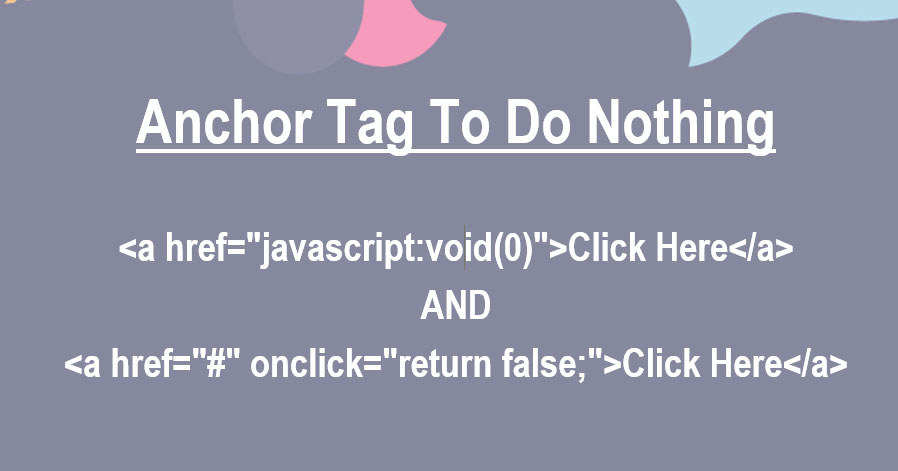
How to make an anchor tag to do nothing?
HTML | Make an anchor tag to do nothing | href="javascript:void(0);" To prevent reloading a page when a link clicked is something like preventing the default behavior of an element. It can be achieved by providing …
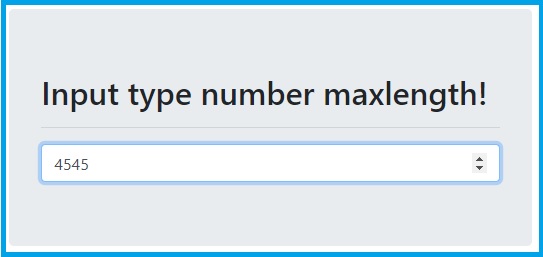
Input type number maxlength not working
HTML | Input type number maxlength not working The "maxlength" attribute of an input field is used to limit the length entered in the input field. but it works only if the type of input field …

Remove id attribute from an element using jquery
Jquery | Remove id attribute from an element The removeAttr() function from jquery is used to removes one or more attributes from the selected elements. $("div").removeAttr("id"); Here seen an example with complete code …
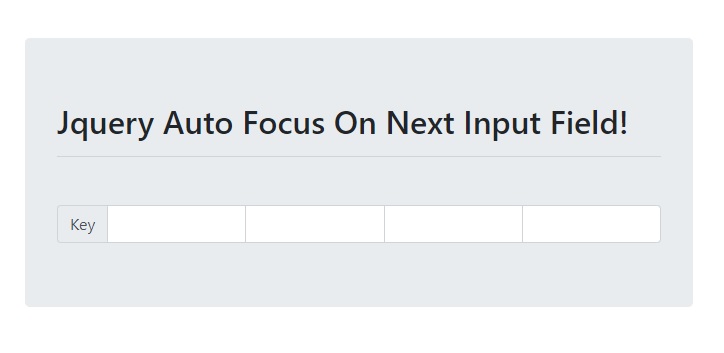
Jquery Auto Focus On Next Input Field
Jquery | Auto Focus On Next Input Field The jquery code for autofocus on the next text input field. $(".input-key").keyup(function() { if ($(this).val().length == $(this).attr("maxlength")) { $(this).next('.input-key').focus(); } }); Let's go through the above jquery …
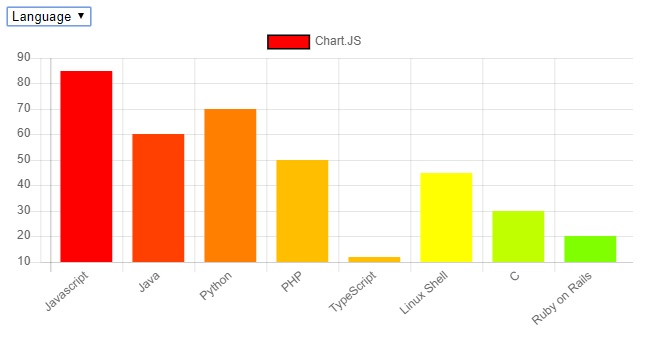
ChartJS | How to draw Bar chart from server data using MySQL, Ajax and PHP
Chart.JS | Draw Bar chart from server data using MySQL, Ajax, and PHP This example shows how to draw a bar chart with data from the database server. FILE STRUCTURE At the end of this …
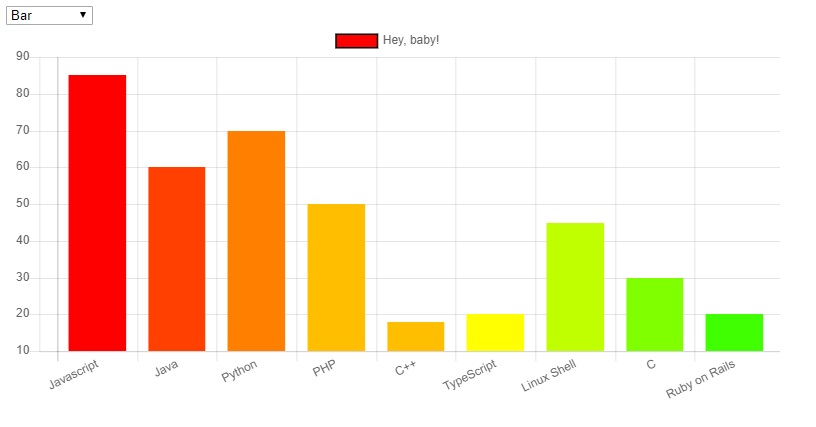
ChartJS change graph type based on Dropdown selection
Chart.js | Changing graph type based on dropdown selection We can’t directly update the chart type in Chart.js, to achieve the requirement we need to destroy the original chart and then redraw the new chart. …
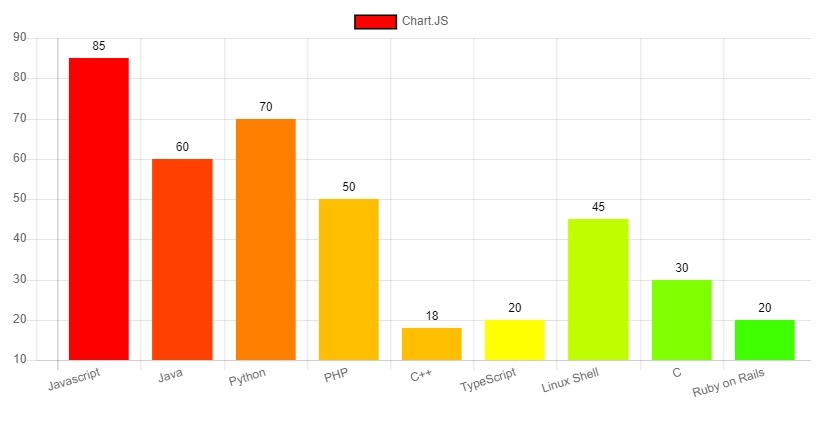
How to show data values on top of each bar in chart.js
Chart.js | show data values on top of each bar This is an example of displaying data value on top of each bar of Chart.js on the web page. Step 1: Create a basic HTML …
Add bar chart in web page
Chart.js | Add bar chart in the webpage This is a simple example of using Chart.js to create a bar chart on the webpage. Step 1: Create a basic HTML file called "chart.html" <!DOCTYPE html> …
How to refresh a page with jquery?
Jquery | Location reload() Method | Refresh a page The Location.reload() method reloads the current URL. Syntax location.reload(forceGet) The Location.reload() method reloads the current URL. By default, the value of forceGet is false which …
How to get html attribute's value in jquery?
Jquery | attr | Get HTML attribute's value You can get the value of an attribute for the first element in the set of matched elements using the .attr() function. Return the value of …
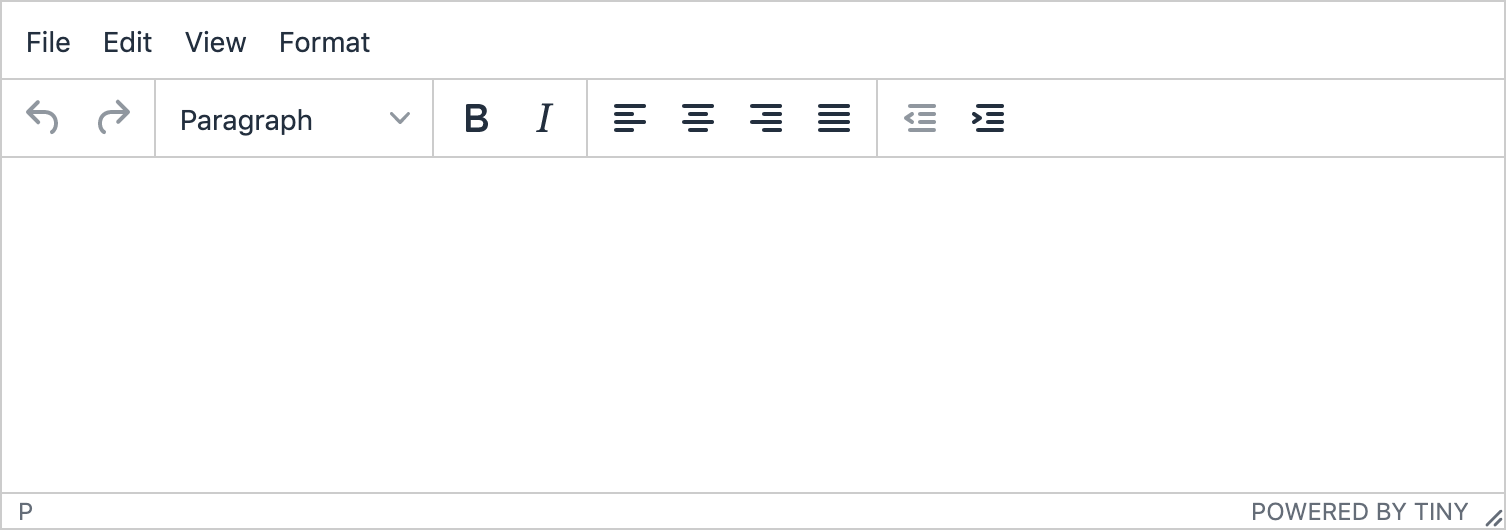
Clear the TINYMCE editor's content using jquery.
JQuery | TinyMCE | Clear TINYMCE editor There is a method called setContent() in TINTMCE which you can use to reset/clear the TINTMCE editor. <script> // if one editor existing in your page. tinyMCE.activeEditor.setContent(''); </script> …
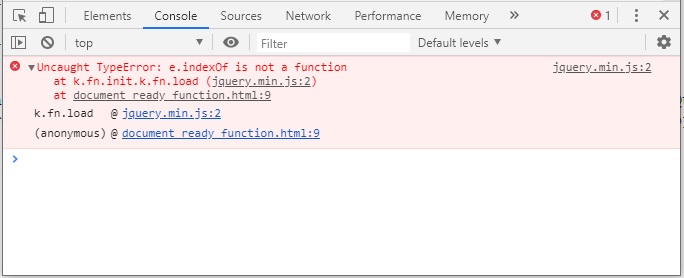
Uncaught TypeError: e.indexOf is not a function in JQuery
JQuery | Uncaught TypeError: e.indexOf is not a function This error occurs because you may try to load an event handler which is removed from the latest version of jQuery. Event handler like .load(), .error(), …